What is Mobile App Development? Biggener's Guide
In this blog you will learn about Mobile app development for beginners. Discover costs, native vs hybrid, and how to build an app that users love
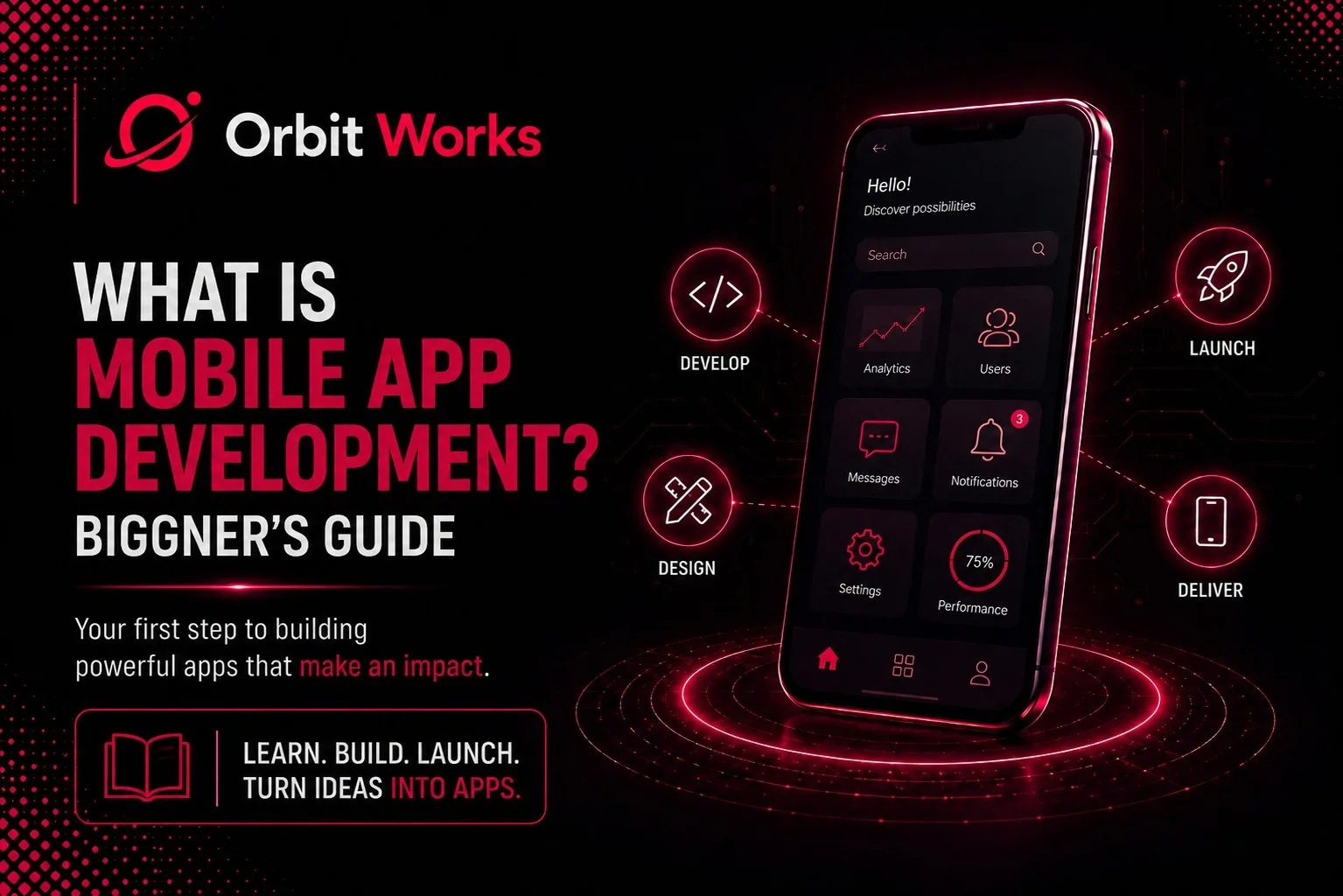
Mobile app development is the process of creating software applications that run on smartphones and tablets. It involves planning, designing, coding, testing, and publishing apps to stores like Apple's App Store or Google Play. Apps are purpose-built programs that leverage device features like cameras, GPS, and push notifications to deliver experiences that websites cannot match.
Table of Contents
- What Is Mobile App Development?
- Why Mobile App Development Matters for Every Business
- The Complete Mobile App Development Process
- Types of Mobile Applications: Native, Hybrid, and Web Apps
- Native vs Hybrid vs Cross-Platform: Which Is Right for You?
- iOS vs Android Development: Key Differences
- Mobile App Development Technologies You Need to Know
- How Much Does Mobile App Development Cost?
- Custom Mobile App Development Services
- The Mobile App Development Lifecycle
- Best Practices for Successful App Development
- How to Choose the Right App Development Company
- Frequently Asked Questions
What Is Mobile App Development?
Mobile app development is the process of creating software applications that run on mobile devices like smartphones and tablets. These are not websites squeezed onto a small screen, they are purpose-built programs that use your phone's unique features like the camera, GPS, microphone, accelerometer, and push notifications.
Think of mobile app development like building a custom house. You start with a blueprint, pour the foundation, frame the walls, add electricity and plumbing, and finally paint and decorate. Similarly, app development involves planning, designing, coding, testing, and publishing to app stores.
Unlike desktop software, mobile apps are designed for touch, shorter attention spans, and on-the-go usage. They need to be fast, intuitive, and gentle on battery life. A good mobile app feels effortless. A great one becomes a habit.
Key takeaway: Mobile apps are not websites, they are native experiences built to leverage the full capabilities of your device.
Why Mobile App Development Matters for Every Business
Mobile app development matters because it gives you a direct, personal channel to your customers' attention. Push notification open rates can exceed 90%, compared to email open rates of around 20%. When someone installs your app, you have a permanent presence on their home screen.
Here is why every business should consider mobile app development:
- Customer engagement transforms completely with push notifications that reach users instantly.
- Brand loyalty grows through the home screen effect, every time customers look at their phone, they see your icon.
- Revenue opportunities multiply through one-click purchases, subscriptions, in-app purchases, and personalized offers.
- You collect valuable data on user behavior, feature popularity, and retention patterns.
- You stay ahead of competitors who are already investing in mobile experiences.
Key takeaway: If your competitors have apps and you do not, you are handing them customers on a silver platter.
The Complete Mobile App Development Process
The mobile app development process follows seven phases: discovery and strategy, planning and wireframing, design, development, testing, deployment, and ongoing maintenance.
Here is what each phase involves:
Phase 1: Discovery and Strategy
Define the problem your app solves, who your users are, and what features matter most. Create user personas, list core functionality, and set success metrics. Skipping this phase is like building a house without blueprints.
Phase 2: Planning and Wireframing
Sketch the user journey, create wireframes for each screen, and map out navigation. Wireframes are the skeleton of your app, they show structure without distractions.
Phase 3: Design
User interface designers create the look and feel while UX designers ensure the app is intuitive and delightful. Colors, fonts, animations, and spacing all matter here.
Phase 4: Development
This is where the actual coding happens. Developers write the front end (what users see) and the back end (data, users, and business logic). This phase takes the longest, often several months.
Phase 5: Testing
Quality assurance engineers test the app on real devices, looking for bugs, crashes, and performance issues. They test security, battery usage, network handling, and edge cases.
Phase 6: Deployment
Submit your app to Apple and Google for review. Once approved, it goes live on their app stores.
Phase 7: Maintenance and Updates
Monitor crash reports, collect user feedback, and release updates with new features and bug fixes. Mobile app development is never truly finished.
Key takeaway: Professional app development follows a structured process, never skip the discovery or testing phases.
Types of Mobile Applications
There are three main types of mobile applications: native apps (built for one platform), hybrid apps (one codebase for multiple platforms), and web apps (websites that look like apps).
Native Apps
Built specifically for one platform using that platform's programming language. iOS uses Swift or Objective-C. Android uses Java or Kotlin. Native apps offer the best performance, smoothest animations, and full access to device features. The downside? You need to build and maintain two separate apps for both platforms.
Hybrid Apps
Use web technologies like HTML, CSS, and JavaScript wrapped inside a native container. Popular frameworks include React Native and Flutter. Hybrid apps are cheaper and faster to build because you write one codebase for both platforms. However, performance can suffer for graphics-heavy apps.
Web Apps
Not truly mobile apps, they are websites designed to look and feel like apps on a mobile browser. You do not install them from an app store. They are the cheapest option but lack access to many device features and cannot use push notifications effectively.
Key takeaway: Choose native for top performance, hybrid for cost-effective cross-platform development, and web apps for basic functionality on a tight budget.
Native vs Hybrid vs Cross-Platform: Which Is Right for You?
Choose native development if you need the best performance and have the budget. Choose hybrid (React Native or Flutter) if you need both iOS and Android on a limited budget. Choose a web app if you just need basic functionality.
Native App Development
- Best for: Games, complex animations, and apps requiring maximum performance
- Pros: Best user experience, fluid animations, optimized battery life
- Cons: Higher cost, longer development time, two separate codebases
Hybrid/Cross-Platform Development
- Best for: Content apps, e-commerce apps, and startups with limited budgets
- Pros: One codebase for both platforms, faster development, lower cost
- Cons: Slightly lower performance, may feel less polished
Expert recommendation: If you are building a simple content or e-commerce app, start with React Native. You will get to market faster and cheaper. If you are building a game or app with complex animations, go native.
Key takeaway: React Native is the sweet spot for most beginners, fast, cost-effective, and production-ready.
iOS vs Android Development: Key Differences
iOS development uses Swift with Xcode on a Mac, targets a less fragmented ecosystem with higher-spending users. Android development uses Kotlin with Android Studio on any platform, reaches a larger global audience but requires supporting hundreds of device variations.
iOS Development
- Language: Swift or Objective-C
- IDE: Xcode (Mac only)
- Market: Higher income users, strong in North America and Western Europe
- Fragmentation: Low, fewer screen sizes and iOS versions to support
- Review Process: Strict but fair
Android Development
- Language: Kotlin or Java
- IDE: Android Studio (Windows, Mac, Linux)
- Market: Larger global user base, strong in Asia, Africa, and South America
- Fragmentation: High, hundreds of devices, screen sizes, and Android versions
- Review Process: More automated and faster
Which platform first? If your audience is primarily in North America or Western Europe with higher income, start with iOS. If you want global reach, start with Android.
Key takeaway: Many successful apps launch on one platform first, prove the concept, then build the second version using revenue from the first.
Mobile App Development Technologies You Need to Know
The main technologies for mobile app development are Swift/SwiftUI for iOS, Kotlin/Jetpack Compose for Android, and React Native or Flutter for cross-platform development.
iOS Native
- Language: Swift
- UI Framework: SwiftUI (modern) or UIKit (legacy)
- Why: Apple's modern stack delivers the best iOS experience
Android Native
- Language: Kotlin (preferred over Java)
- UI Framework: Jetpack Compose (modern) or XML layouts (legacy)
- Why: Google's modern stack is the future of Android development
Cross-Platform
- React Native: Uses JavaScript, backed by Facebook, massive ecosystem
- Flutter: Uses Dart, backed by Google, excellent performance
- Other options: Xamarin (C#), Ionic (web technologies)
Backend Technologies
- Firebase or AWS Amplify for beginners (handles users, data, push notifications)
- Node.js, Python, or Ruby on Rails for custom backends
Key takeaway: A good app development company will guide you to the right technologies for your specific project.
How Much Does Mobile App Development Cost?
Mobile app development costs range from $5,000–$15,000 for simple apps, $20,000–$60,000 for moderately complex apps, $70,000–$150,000 for complex apps, and $250,000+ for enterprise-grade solutions.
Cost Breakdown by Complexity
Simple apps typically fall in the $5,000 to $15,000 range. These are straightforward utilities with minimal design requirements. Think of a calculator, a tip splitter, or a flashcard tool. These apps have no backend infrastructure, no user account systems, and no external API integrations. They are essentially self-contained tools that perform one function well. Development is quick because there is no server to manage and no data to sync across devices.
Moderately complex apps generally cost between $20,000 and $60,000. This is where most business apps, e-commerce storefronts, and content platforms sit. These applications require user accounts and authentication, a database to store user information and content, push notification capabilities to re-engage users, and integration with one or more external APIs (like payment gateways or mapping services). They also demand a more polished user experience and a basic admin panel for content management. The backend work increases both development time and cost significantly.
Complex apps run from $70,000 to $150,000. These are high-end applications with custom animations, real-time features (like live chat or live location tracking), video or audio streaming capabilities, and marketplace functionality that connects buyers and sellers. They often include complex search algorithms, in-app purchases, and sophisticated state management to handle concurrent users. The design phase is more intensive because every interaction needs to feel seamless, and the backend must be architected for scalability from day one.
Enterprise-grade apps start at $250,000 and can go much higher. These solutions involve robust backend infrastructure, comprehensive admin dashboards with analytics and reporting, advanced security compliance (like HIPAA or GDPR), and integration with existing enterprise systems like CRMs or ERPs. Enterprise apps also require rigorous testing across hundreds of device configurations, load testing to handle thousands of concurrent users, and ongoing maintenance contracts. The cost reflects the scale, reliability, and long-term support that large organizations demand.
Where the Budget Goes
- Design & UX: 15–20%
- Development: 50–60%
- Testing & QA: 10–15%
- Project Management & Deployment: Remainder
Cost-saving strategies:
- Build a minimum viable product (MVP) first
- Use cross-platform technologies
- Hire an agency in a lower-cost region
Key takeaway: Never sacrifice quality to save money, a buggy app will cost you more in lost users than you saved in development.
Custom Mobile App Development Services
Custom mobile app development builds apps from scratch to match your exact business requirements, unlike template-based apps that limit your features and look generic.
For Startups
Custom development offers the freedom to test unique ideas and pivot quickly. You are not constrained by what a template allows. You can implement your vision exactly as you imagined.
For Enterprises
Custom apps integrate with existing systems like CRMs, ERPs, and inventory databases. A custom app can pull real-time data from your warehouse, show it to a salesperson in the field, and update inventory instantly.
The Competitive Advantage
Custom apps differentiate you from competitors who all use the same generic app templates. Your brand deserves an app that feels uniquely yours.
Key takeaway: Custom development is an investment in differentiation, your app should reflect your brand, not someone else's template.
The Mobile App Development Lifecycle
The mobile app development lifecycle follows a continuous loop: ideation → requirements → prototyping → design → development → testing → deployment → monitoring → iteration.
Step-by-Step Breakdown
- Ideation: Validate that people actually want what you plan to build
- Requirements Gathering: List every feature, but prioritize ruthlessly
- Prototyping: Create clickable wireframes that simulate the app experience
- Design: Create high-fidelity mockups that look exactly like the final app
- Development: Write code in sprints (typically two-week cycles)
- Testing: Real humans use the app on real devices to find bugs
- Deployment: Submit to app stores (Apple: 24–48 hours, Google: a few hours)
- Post-Launch: Monitor analytics, respond to reviews, plan next features
Key takeaway: Your first version should solve one problem really well, not ten problems poorly.
Best Practices for Successful Mobile App Development
Successful app development starts with user research, designs for one-hand use, optimizes for speed, tests on real devices, plans for offline functionality, prioritizes security, and prepares for app store optimization.
Top 7 Best Practices
- Start with user research. Interview potential users. Watch them use similar apps. Ask what frustrates them.
- Design for one-hand use. Keep important actions within easy reach of the bottom half of the screen.
- Optimize for speed. Users expect your app to load in under two seconds. Every extra second increases abandonment by 20%.
- Test on real devices. Emulators cannot replicate real battery drain, network fluctuations, or screen visibility in sunlight.
- Plan for offline functionality. Cache essential data and gracefully handle network failures.
- Prioritize security. Store passwords using encryption. Never send unencrypted data over networks.
- Prepare for app store optimization. Research keywords. Write compelling descriptions. Collect positive reviews.
Key takeaway: The best app in the world is useless if nobody can find it, invest in app store optimization.
How to Choose the Right App Development Company
Choose an app development company with relevant experience, clear communication, a professional development process, transparent pricing, and strong post-launch support.
Evaluation Checklist
- Relevant experience: Have they built apps similar to yours? Speak with past clients.
- Communication: Do they explain technical concepts in plain English? Do they provide regular updates?
- Development process: Do they follow agile methodologies with biweekly demos? Do they write automated tests?
- Pricing model: Fixed price for clear requirements; time and material for evolving projects
- Post-launch support: Do they offer maintenance contracts? What is their response time for critical bugs?
Key takeaway: Choose a partner you genuinely enjoy working with, if something feels off during sales conversations, it will feel worse during development.
Frequently Asked Questions
Which language is best for app development?
The best language depends on the platform. Swift is ideal for iOS apps, Kotlin is best for Android apps, and React Native or Flutter are popular choices for cross-platform development. The right option depends on your app's goals, budget, and performance needs.
What are the four types of applications?
The four types are: Native Apps (built for a specific platform), Web Apps (run in browsers), Hybrid Apps (single codebase for multiple platforms), and Progressive Web Apps (PWAs) (web apps with app-like features).
What is the best company for app development?
OrbitWorks is a global tech company specializing in custom mobile app development, UX/UI design, and digital solutions. They deliver high-quality, scalable apps tailored to business needs. The best app development company depends on your goals and budget.
What are the best examples of app development?
Examples include social apps (Facebook, Instagram), e-commerce apps (Amazon, eBay), banking apps (PayPal, Venmo), productivity apps (Slack, Trello), and entertainment apps (Netflix, Spotify).
How long does it take to build a mobile app?
A simple app takes 2–4 months. A moderately complex app takes 4–8 months. A complex app takes 8–12+ months. The timeline depends on features, design complexity, and platform choices.
Do I need to know how to code to build an app?
No. You can work with an app development company or agency to bring your idea to life. You just need to understand the process and partner with the right team.
Why OrbitWorks Is Your Trusted App Development Partner
You understand what mobile app development is. Now you need the right team. That is OrbitWorks.
We deliver custom mobile app development for startups and enterprises, mastering Swift, Kotlin, React Native, and Flutter. What makes us different? We partner with you from idea to launch and beyond. No hidden fees. Just honest communication and working software every two weeks.
Ready to turn your idea into reality? Contact us for a free consultation. Your app journey starts here.