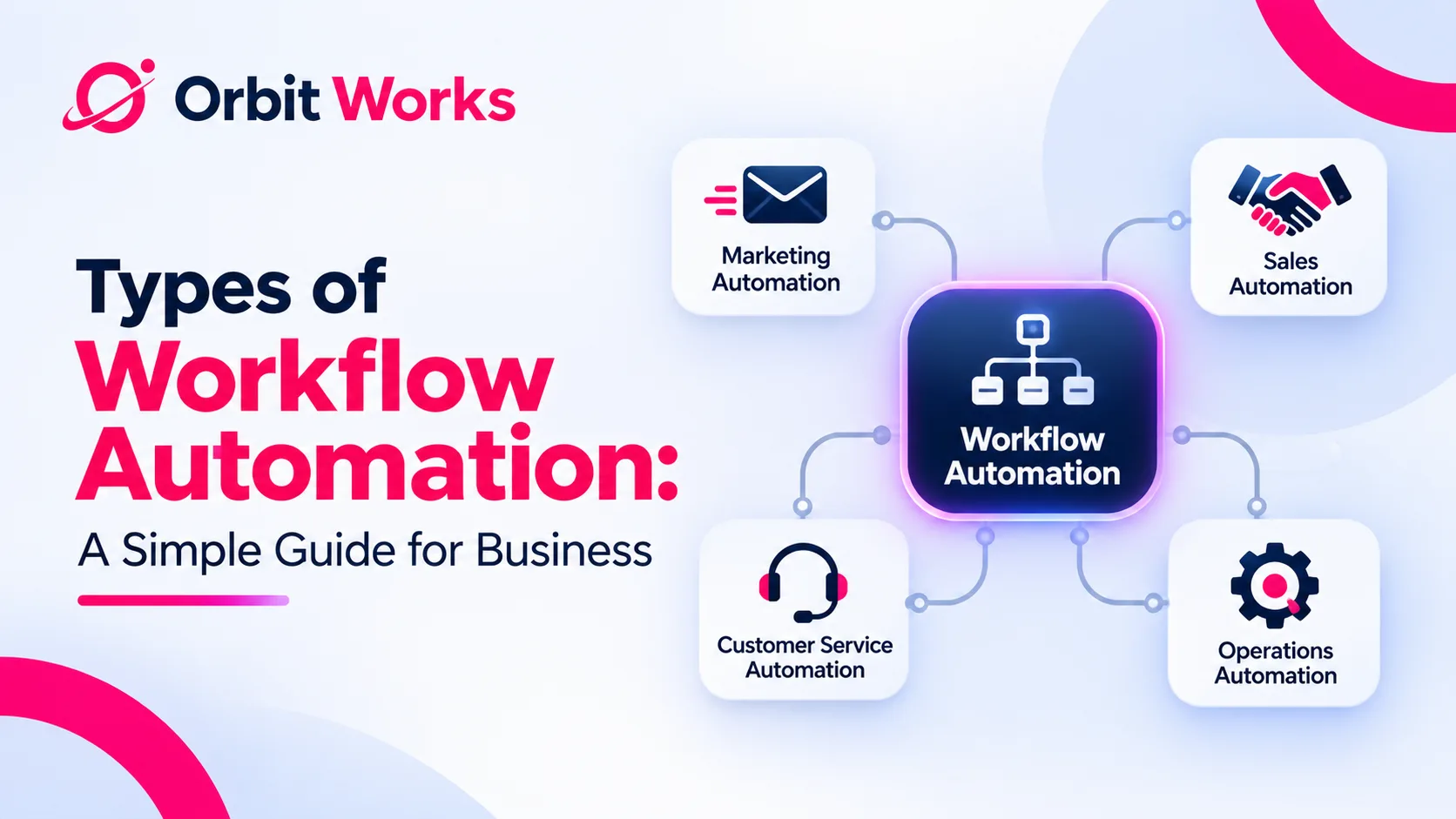
Types of Workflow Automation: A Simple Guide for Business
Drowning in repetitive work? This plain-English guide walks you through the types of workflow automation, what each one does best, and how to pick the right fit so your team can spend less time on busywork and more time on what matters.
Think about your team’s week. How much of it goes to copying data between apps, chasing approvals, or answering the same emails again and again? Probably more than anyone wants to admit.
That’s where workflow automation comes in. It hands the repetitive, rule-based work to software, so your people can focus on the things that need a human brain. Fewer mistakes, faster turnarounds, and a lot less frustration.
But “workflow automation” isn’t one single thing. There are several types of workflow automation, and each solves a different problem. In this guide, we’ll break them down in plain English, so you can figure out where to start.
What Are Workflow Management Systems?
Before we get into the types, let’s talk about the foundation. A workflow management system (WMS) is basically a control center for how work gets done. It lays out the steps in a process, assigns tasks to the right people, tracks deadlines, and shows you where things are getting stuck.
Instead of work living in scattered emails, spreadsheets, and sticky notes, everything runs through one clear structure. That means fewer dropped balls, better teamwork, and a much easier time spotting bottlenecks.
The best part? Modern workflow management systems don’t work in isolation. They connect with the other tools you already use, such as your CRM, email platform, accounting software, and project boards. Data moves automatically from one place to another, so nobody has to retype the same information three times. Less manual entry also means fewer typos and fewer headaches.
The 5 Main Types of Workflow Automation
Let’s look at each one, what it does, and when it makes sense.
1. Task Automation
This is the simplest and most popular place to begin. Task automation takes small, repetitive jobs off your plate, like entering data, scheduling meetings, sending reminder emails, or replying to common questions.
Best for: Teams that feel buried in small, daily to-dos.
Example: Automatically sending a welcome email the moment someone fills out your contact form.
2. Process Automation
Where task automation handles single steps, process automation takes care of the whole journey. Think order processing, customer onboarding, or employee onboarding, from the first step to the last.
When a process runs the same way every time, you get consistency, speed, and far fewer “oops” moments.
Best for: Multi-step processes that follow clear rules.
Example: A new customer signs up, and the system automatically creates their account, sends their invoice, and notifies your support team.
3. Integration Automation
Most businesses use a dozen or more apps, and most of those apps don’t naturally talk to each other. Integration automation acts as the bridge, letting data flow between your tools without anyone copying and pasting.
When your CRM, email marketing platform, and billing software are all in sync, everyone works from the same up-to-date information.
Best for: Businesses juggling lots of disconnected software.
Example: A new lead from a Google form automatically appears in your CRM and gets added to your email list.
4. Document Automation
Paperwork is a time sink. Document automation handles creating, filling, routing, and storing documents, such as contracts, invoices, reports, and forms. It also helps with compliance, since every document follows the same template and leaves a clear trail.
Best for: Legal, finance, HR, and any team that lives in documents.
Example: Generating a client contract automatically from details already in your system.
5. Approval Automation
Waiting on sign-offs is one of the biggest silent productivity killers. Approval automation sends requests to the right person at the right time, sends reminders, and keeps a record of every decision.
No more “Did you see my email?” follow-ups.
Best for: Expense reports, purchase requests, leave requests, and content reviews.
Example: A purchase request automatically routes to a manager, then to finance, then back to the requester once it’s approved.
Bonus: Robotic Process Automation (RPA)
You’ll also hear about robotic process automation (RPA). These are software “bots” that mimic what a person does on a computer: clicking, typing, copying data, and moving files between systems. RPA is especially handy with older software that doesn’t offer easy integrations.
Best for: Repetitive, high-volume work in legacy systems.
Example: A bot pulling data from invoices and entering it into your accounting software.
Benefits of Workflow Automation
So what do you actually get out of all this? Here’s the honest answer:
- More time for meaningful work. When you automate repetitive tasks, your team can focus on strategy, creativity, and customers.
- Fewer human errors. Software doesn’t get tired or distracted. It follows the same steps the same way every time.
- Consistency and accuracy. Processes run the same way no matter who’s on shift, which matters most in data-sensitive work.
- Real-time visibility. You can see what’s done, what’s in progress, and what’s stuck, without chasing people for updates.
- Faster, smarter decisions. With clear data in front of you, it’s easier to act with confidence.
- Lower costs over time. Less rework and less manual labor add up to real savings.
How to Choose the Right Type of Workflow Automation
Not sure where to begin? Here’s a simple way to think about it:
- Find your biggest time-wasters. Ask your team what they dread doing every week. That’s usually your best starting point.
- Start small. Pick one process, automate it, and see what happens. Quick wins build momentum.
- Check your current tools. If your software doesn’t talk to each other, integration automation might be your first move.
- Think about growth. Choose solutions that can scale as your business does.
- Bring in the right people. If you’re unsure, an experienced AI and automation partner can map out what makes sense for your budget and goals.
Final Thoughts
Understanding the different types of workflow automation is the first step toward working smarter. Whether you start with simple task automation or build out full business process automation, the goal is the same: less manual grind, fewer mistakes, and more room to grow.
You don’t have to automate everything overnight. Pick one painful process, fix it, and build from there.
Need a hand figuring out where to start? The OrbitWorks team helps businesses design and build custom automation that fits the way they actually work. Book a free consultation
Frequently Asked Questions
What is workflow automation?
Workflow automation uses software to run repetitive, rule-based tasks and processes automatically. Instead of people moving data, sending reminders, or routing approvals by hand, the system does it for them, faster and with fewer errors.
What are the main types of workflow automation?
The most common types are task automation, process automation, integration automation, document automation, approval automation, and robotic process automation (RPA). Each handles a different kind of work, and many businesses use a mix of them.
How can workflow automation benefit my business?
It saves time, cuts down on mistakes, improves consistency, gives you real-time visibility into your processes, and lowers operating costs. Your team also gets to spend more energy on meaningful, higher-value work.
What are some common tools used for workflow automation?
Businesses commonly use workflow management platforms, integration tools that connect apps, RPA software, and custom-built automation solutions. The right choice depends on your systems, your team’s size, and how complex your processes are.
How do I get started with workflow automation in my organization?
Start by listing your most repetitive, time-consuming processes. Pick one that’s simple but painful, automate it, and measure the results. Once you see the impact, expand step by step. If you’d rather not go it alone, a technology partner can help you plan and build it.